Tasks
Keep your garden thriving with organized tasks. Plantory helps you track what needs to be done and can generate personalized task suggestions using AI.
Task Board Overview
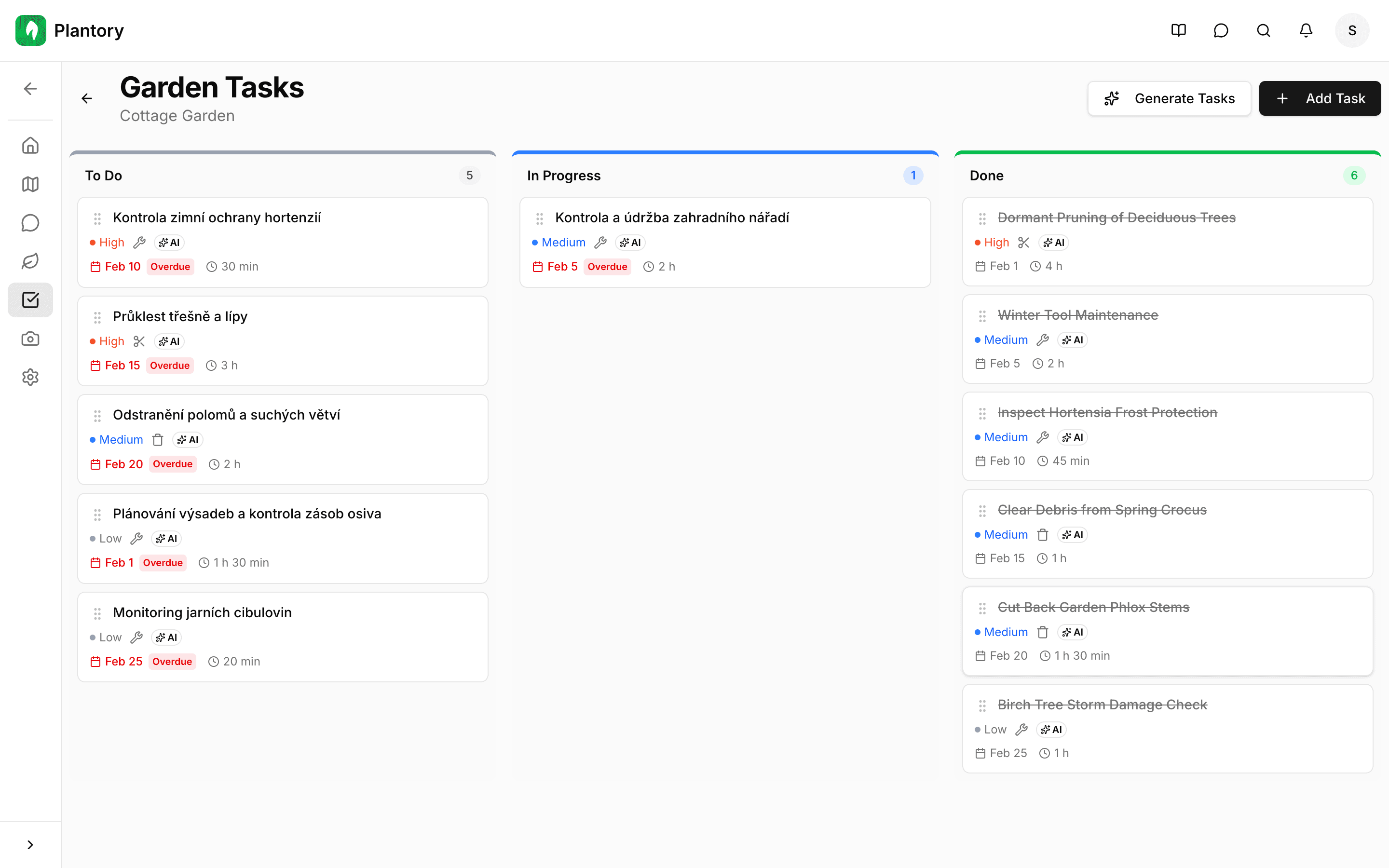
Each garden has a Kanban-style task board with three columns: To Do, In Progress, and Done. Drag and drop tasks between columns to update their status.
AI-Generated Tasks
Let AI analyze your garden's plants, climate zone, and the current season to generate a personalized task list.
Open the Tasks tab
Navigate to the Tasks tab in your garden.
Click Generate Tasks
Click the Generate Tasks button at the top of the board.
Review generated tasks
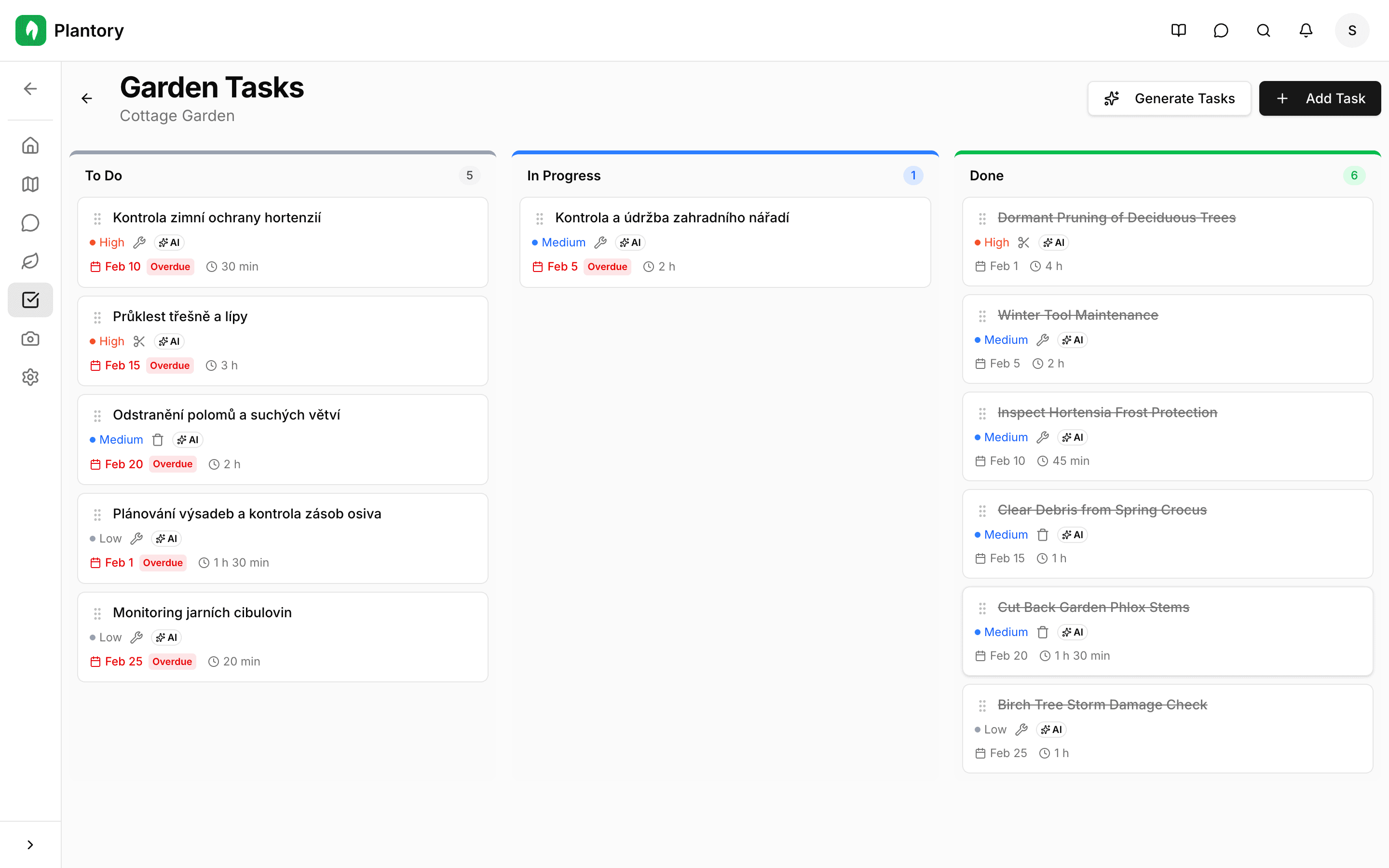
AI creates tasks based on your plants and current conditions. Tasks include descriptions, priority levels, and timing.
Seasonal awareness
AI-generated tasks are adjusted for your climate zone and the current time of year. Regenerate tasks as seasons change for up-to-date suggestions.
Task Details
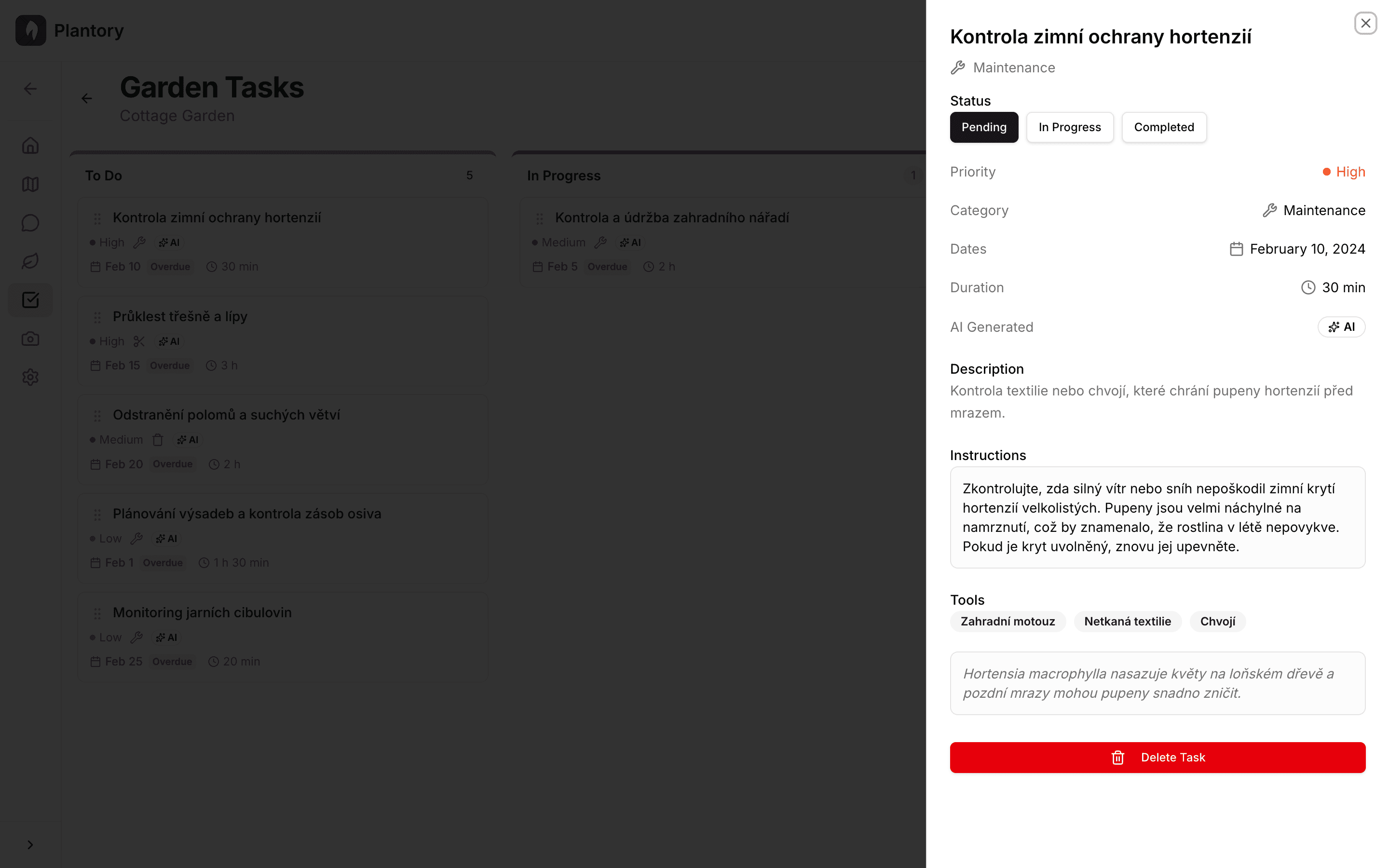
Click on any task to view its full details in a side panel.
Each task includes:
- Title and description of what needs to be done
- Priority level (low, medium, high)
- Due date and scheduling
- Related plant (if applicable)
- AI-generated badge for tasks created by AI
- Recurrence settings for repeating tasks
Creating Manual Tasks
You can also create tasks manually:
- Click the Add Task button
- Enter a title and optional description
- Set priority, due date, and related plant
- The task appears in the To Do column
Global Task View
Access tasks across all your gardens from the Tasks page in the main navigation. This gives you a consolidated view of everything that needs attention.
Stay on top of things
Check your global task view regularly to see upcoming and overdue tasks across all your gardens in one place.