Garden Sharing
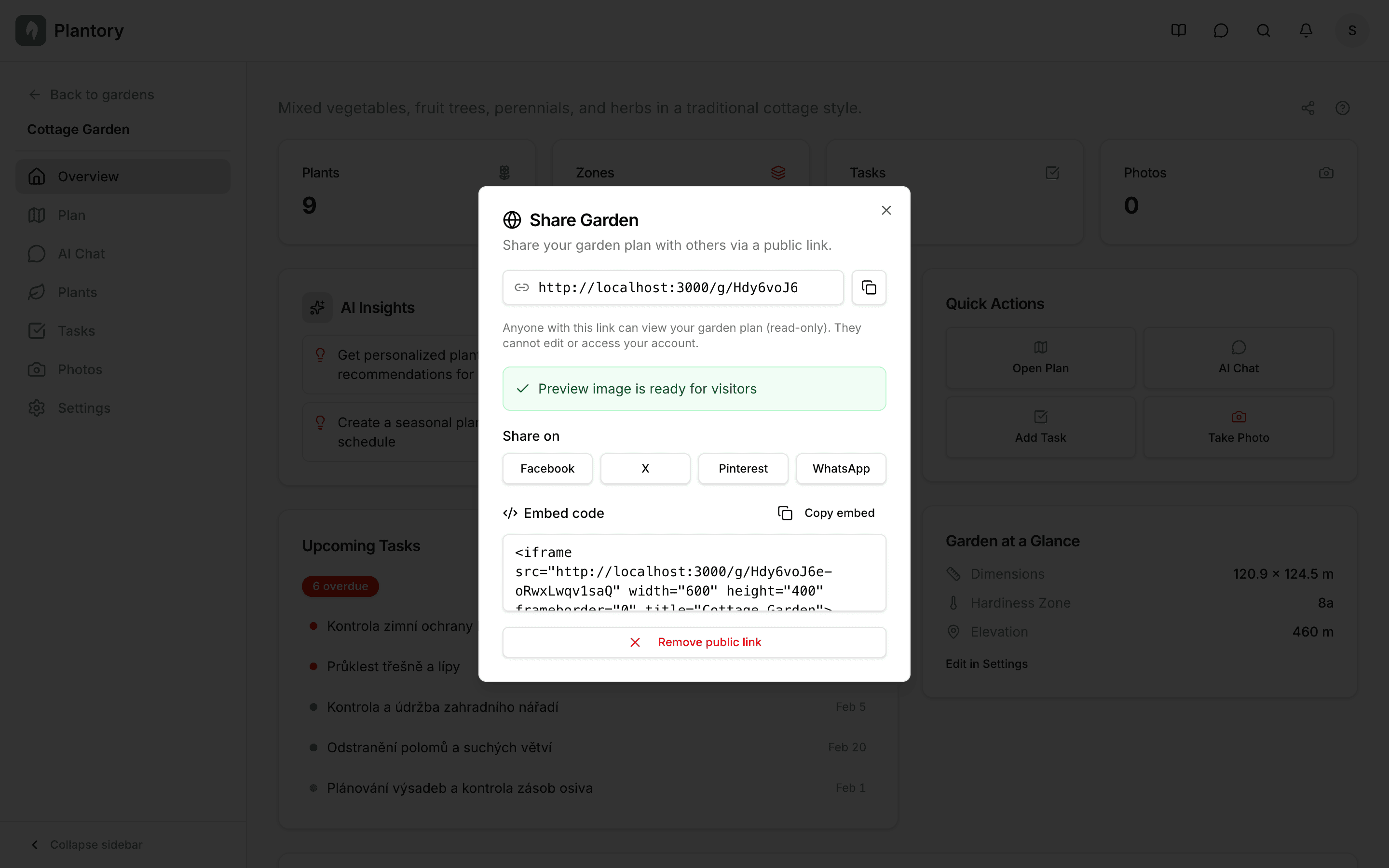
Share your garden plan with friends, family, or fellow gardeners using a simple public link.
Creating a Share Link
Open your garden
Navigate to the garden you want to share.
Open sharing settings
Click the Share button in the garden toolbar or settings.
Enable sharing
Toggle sharing on to generate a unique public link for your garden.
Copy and share
Copy the link and send it to anyone you'd like to share with.
No account needed
Anyone with the link can view your shared garden - they don't need a Plantory account.
What Visitors See
When someone opens your share link, they see a public page with:
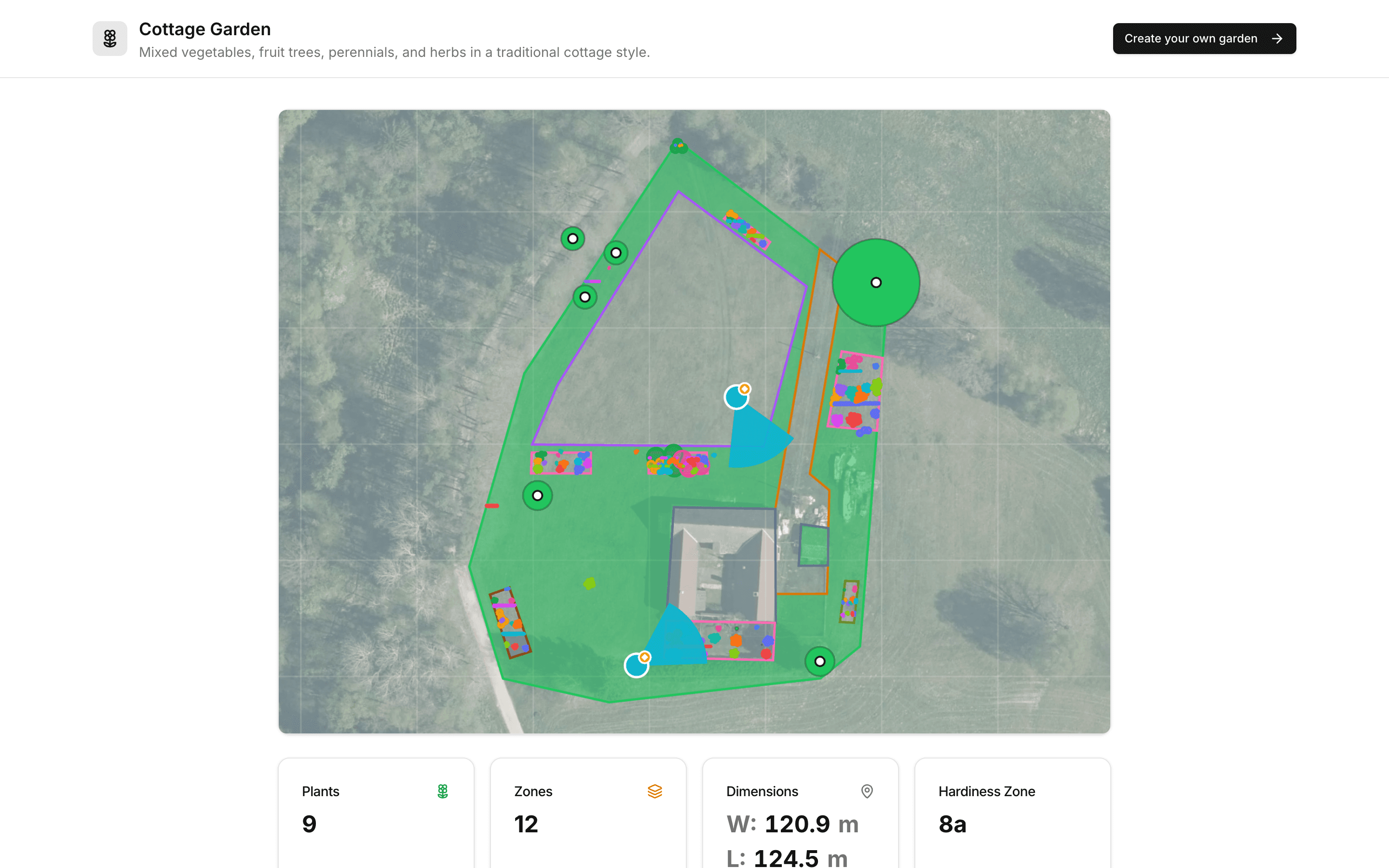
- Garden name and description
- Garden preview image
- Plant list with species and quantities
- Zone information
- Garden dimensions and size
- Hardiness zone
Visitors can browse through your plant list and see your garden's overall layout and composition.
Disabling Sharing
You can disable sharing at any time by toggling the share option off. The link will immediately stop working and visitors will see an error page.
Privacy
Shared gardens are read-only. Visitors cannot edit your garden, see your exact address, or access any personal information.