Getting Started
Create your account and explore the Plantory dashboard.
Creating Your Account
Getting started with Plantory is quick and easy. You can create a free account in just a few steps.
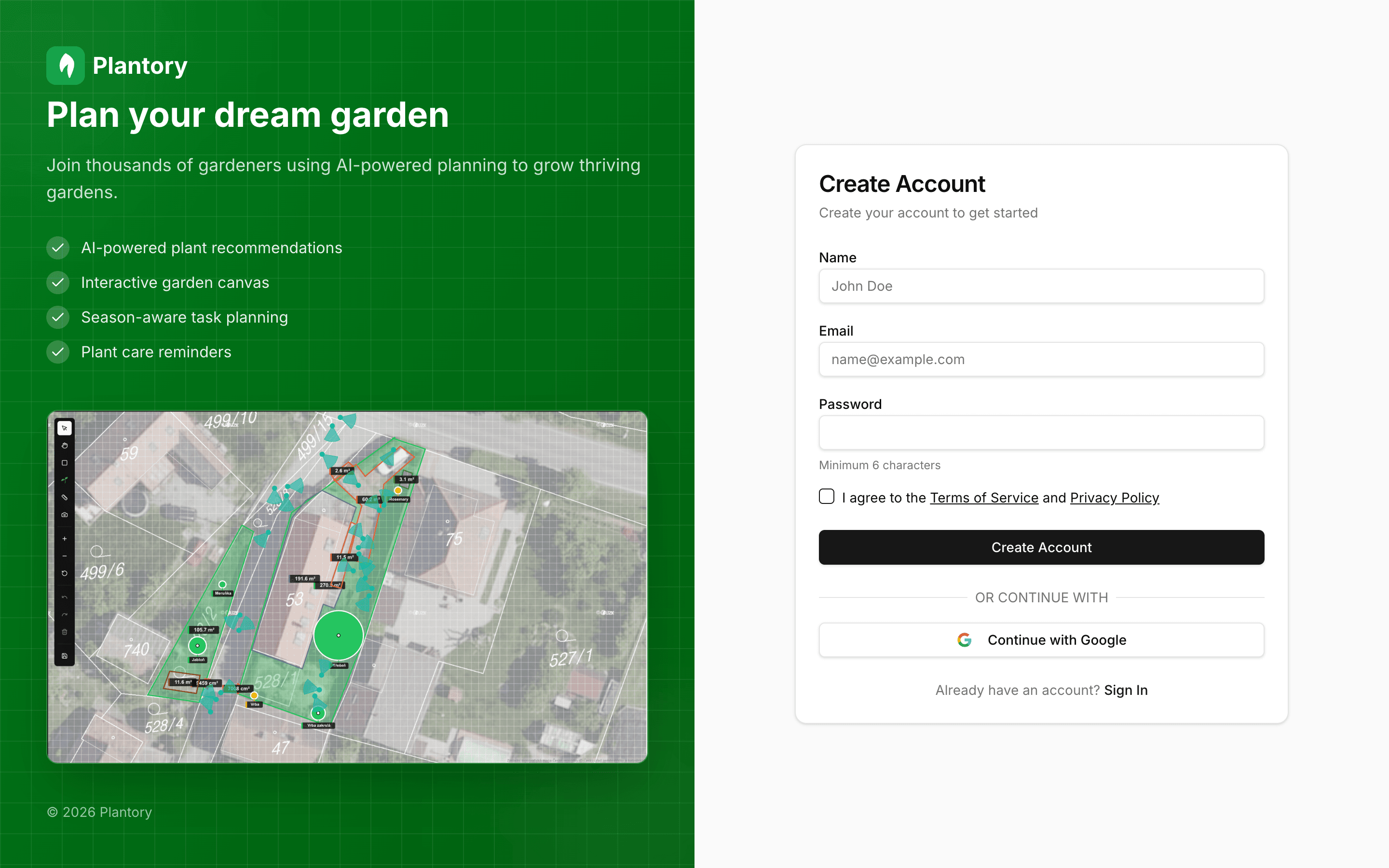
Open the registration page
Click the “Get Started” button on the homepage or go directly to `/register`.
Enter your details
Enter your name, email address, and a secure password. You can also sign up with Google for faster access.
Verify your email
Check your inbox for a verification email and click the link to activate your account.
Free Trial
New accounts get a 14-day free trial of the Gardener plan with full access to all features including AI recommendations. No card needed.
Onboarding Flow
After you create an account, Plantory guides you through a short onboarding step to help you start planning faster.
You can:
- Enter an address to load a satellite view as a planning canvas
- Choose a template to start with a pre-designed layout (recommended for first-time users)
- Start with a blank canvas if you want to design everything from scratch
- Skip for now and do this later
Exploring the Dashboard
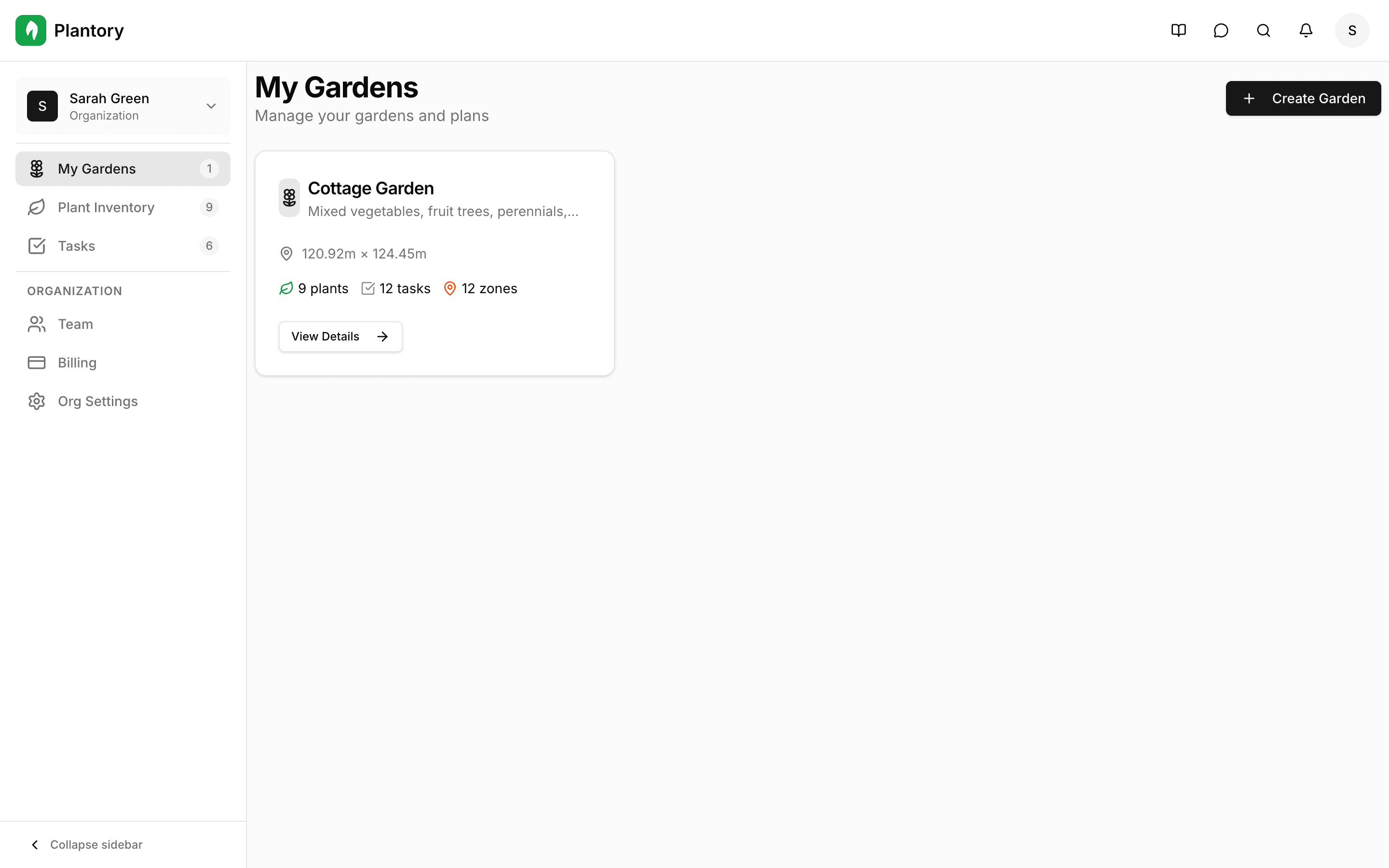
After logging in, you'll see your personal dashboard - the central hub for managing all your gardens.
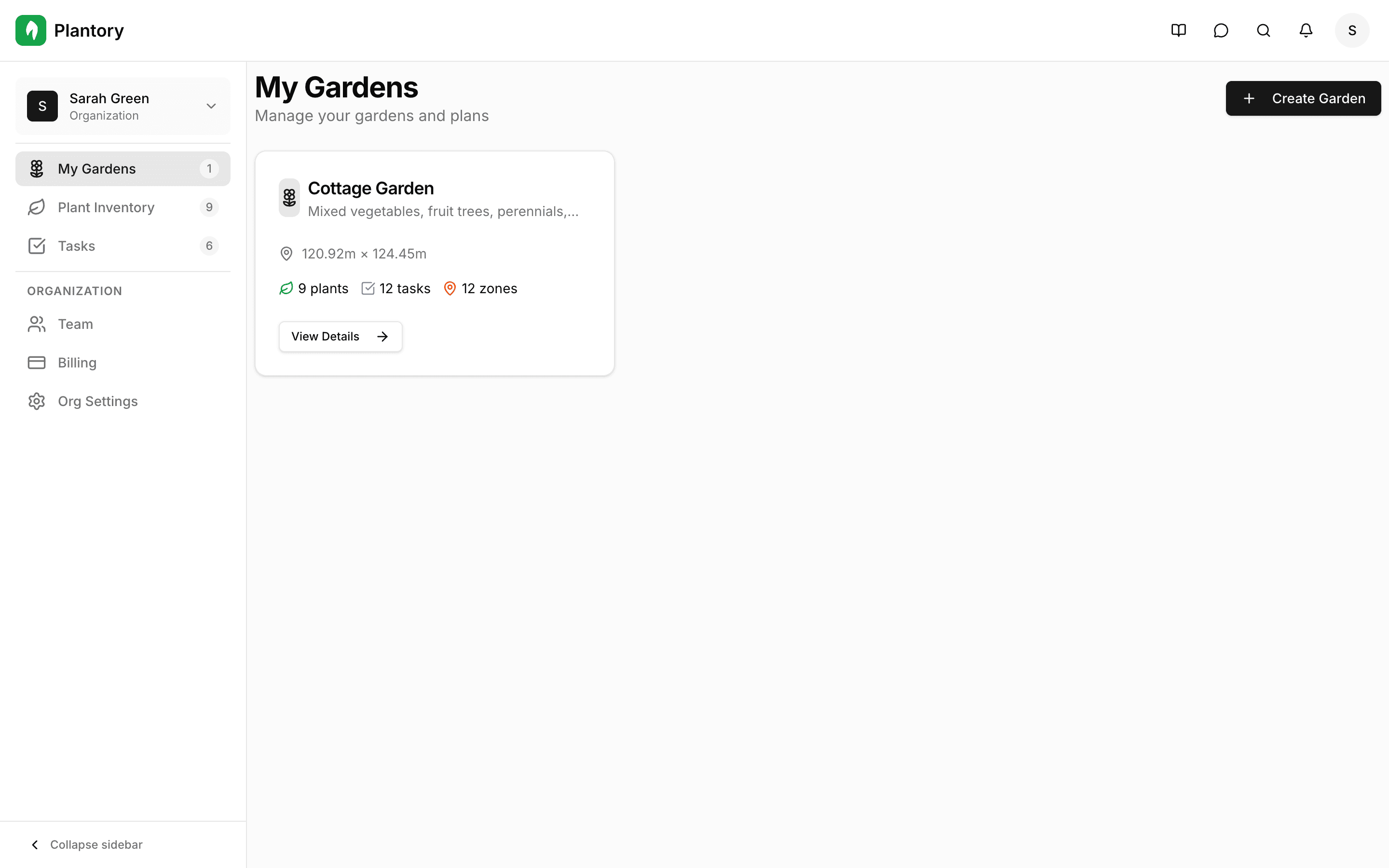
From the dashboard you can:
- View and manage all your gardens
- Create a garden using a template or a blank canvas
- See upcoming tasks across all gardens
- Browse your plant inventory
- Access account and organization settings
Navigation Overview
The main navigation gives you quick access to all sections of the app:
- My Gardens: all gardens and quick actions
- Plant Inventory: a global list of plants across all your gardens
- Tasks: upcoming and overdue tasks across all gardens
- Billing: manage your subscription and usage
- Settings: account settings, language, and preferences
Use the top bar for search, notifications, and your user menu.
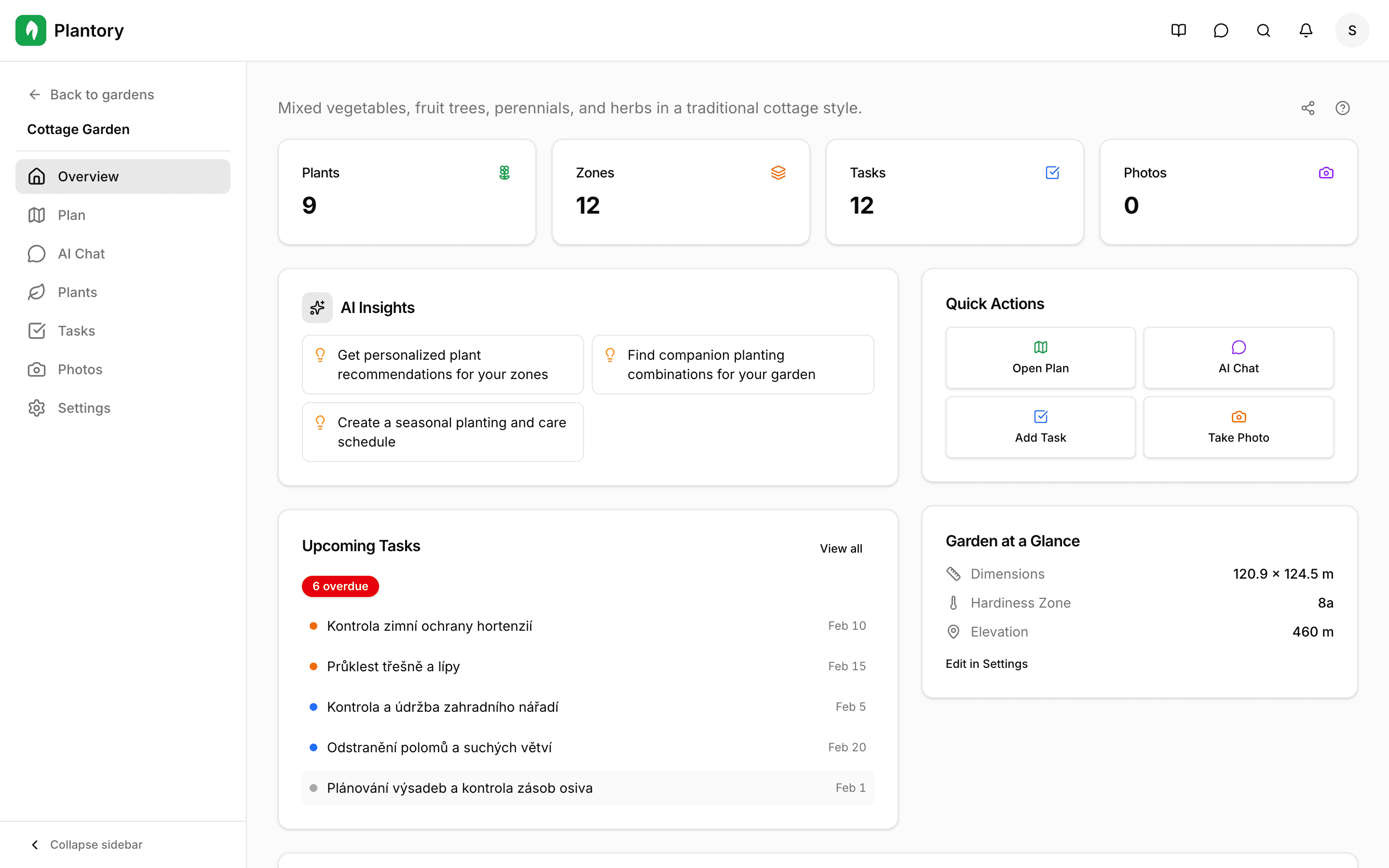
Inside a Garden
When you open a garden, you'll see tabs for different views:
- Overview: summary, climate data, and quick actions
- Plan: the canvas editor for zones, plants, and AI tools
- Plants: your plant inventory for this garden
- Tasks: garden-specific tasks and AI-generated suggestions
- Shopping List: a list of plants to buy based on your plan
- Photos: photo gallery with directional markers
- Chat: AI-powered gardening assistant
- Settings: garden-specific configuration